Technology
How to Watch F1 Live UK: Canada Start Time, TV Channel & Schedule

The 2025 F1 season is well underway, and the Formula One circus heads to Canada for round 10.
McLaren’s Oscar Piastri sits at the top of the standings, but he’s only ten points clear of teammate Lando Norris.
After a late penalty in Spain, Max Verstappen is almost 50 points off the pace, but you can’t rule out the reigning world champion at this stage. It looks like a three-way fight for the Drivers’ title, with Verstappen’s teammate Yuki Tsunoda and both Mercedes and Ferrari drivers off the pace.
What will happen at this weekend’s 10th race of the season? Here’s everything you need to know about the Canadian Grand Prix, including how to watch live from wherever you are, start time, TV channel, schedule and more.
PROMOTION
Use this special VPN birthday deal
Enjoy our Birthday deal: Get the 2-year Surfshark VPN plan for just $1.99/month with 3 months extra. Find the best deals online with a VPN that keeps your shopping spree safe and private! Block trackers, encrypt your data, and enjoy ad-free shopping.
What time is the F1 Canadian Grand Prix?
The F1 season continues at the Circuit Gilles Villeneuve in Montreal, Canada, this weekend. Here’s when the race will start:
- Sunday 15 June, 7pm BST (UK time), 2pm EDT, 11am PDT
How to watch the F1 Canadian Grand Prix live in the UK
Sky Sports has the full rights to F1 in the UK. It will show every practice, qualifying, sprint and race session of all 24 Grands Prix in the 2025 season.
To access Sky Sports, you have a few options. The first is by adding it to a regular Sky TV package, which offers offline access via a Sky Q box. This costs a total of £51 per month with £20 upfront on a 24-month contract.
If you don’t mind streaming, you might prefer to pair it with a Sky Stream dongle. You can get Sky TV, Netflix and Sky Sports for £35 per month on a 24-month contract.
Need a new TV? Sky Glass has Sky built-in, though it still relies on the internet for TV. However, it costs at least £14 per month with £20 upfront for 48 months, plus Sky Sports and Sky TV for an additional £35 per month.
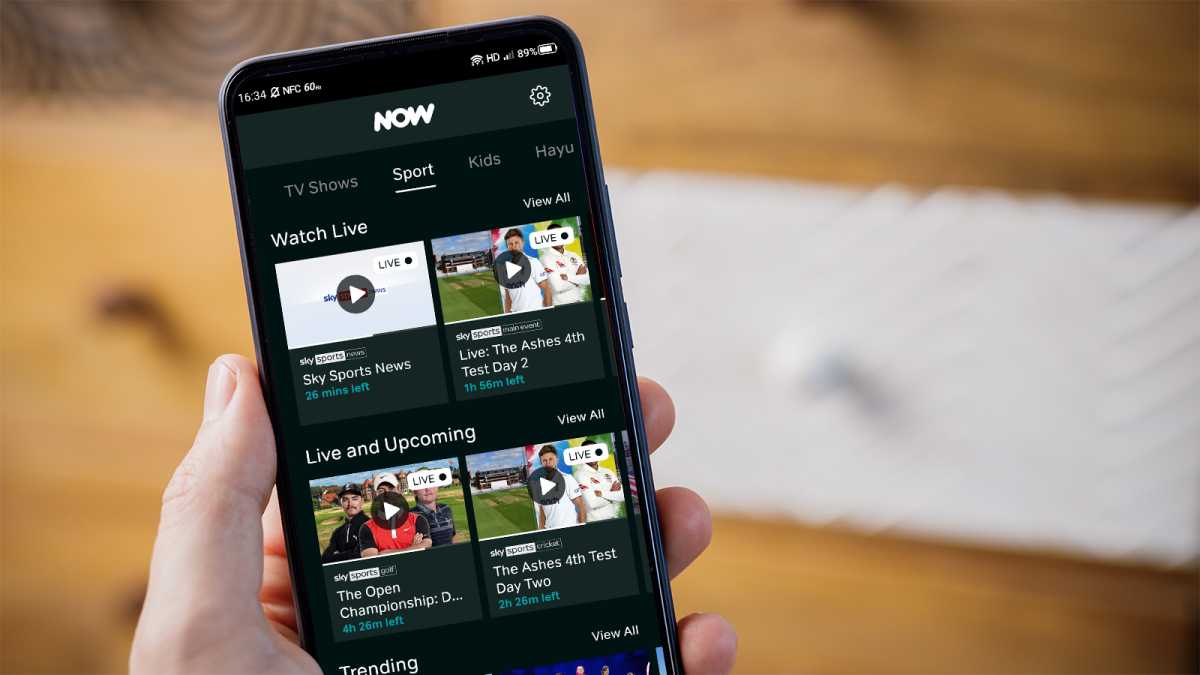
If you don’t want to buy any new Sky hardware, it’s easier to stream via Now. This currently costs £26 per month, provided you’re happy to commit for 6 months. After that, it’s £34.99 per month.

Dominik Tomaszewski / Foundry
However, it’s worth noting that the standard plan limits you to 720p resolution and streaming on only one device at a time. To get 1080p and two devices, it’s an extra £6 per month for Now Boost, while three devices and 4K require £9 per month for Ultra Boost.
How to watch F1 for free in the UK
In the UK, the only way to watch F1 for free is on Channel 4, though this requires a TV licence if you plan on watching live.
Even then, that only applies to the British Grand Prix in 2025, with just highlights of the other races shown.


Sky
How to use a VPN to watch the F1 Spanish Grand Prix
If you’re not in the same country as the TV broadcaster, you won’t be able to watch F1 online without a VPN.
Officially, Sky doesn’t allow you to watch using a UK subscription while outside the country.
However, there is another way – using a virtual private network, or VPN. A VPN makes it appear that you’re located in the same country as the broadcaster when you connect to a server in the appropriate country.
If you’re already paying, it’s worth trying to access the local site or app. We’re using NordVPN for this tutorial, but Surfshark is a popular alternative. See the full range of options in our guide to the best VPN services.
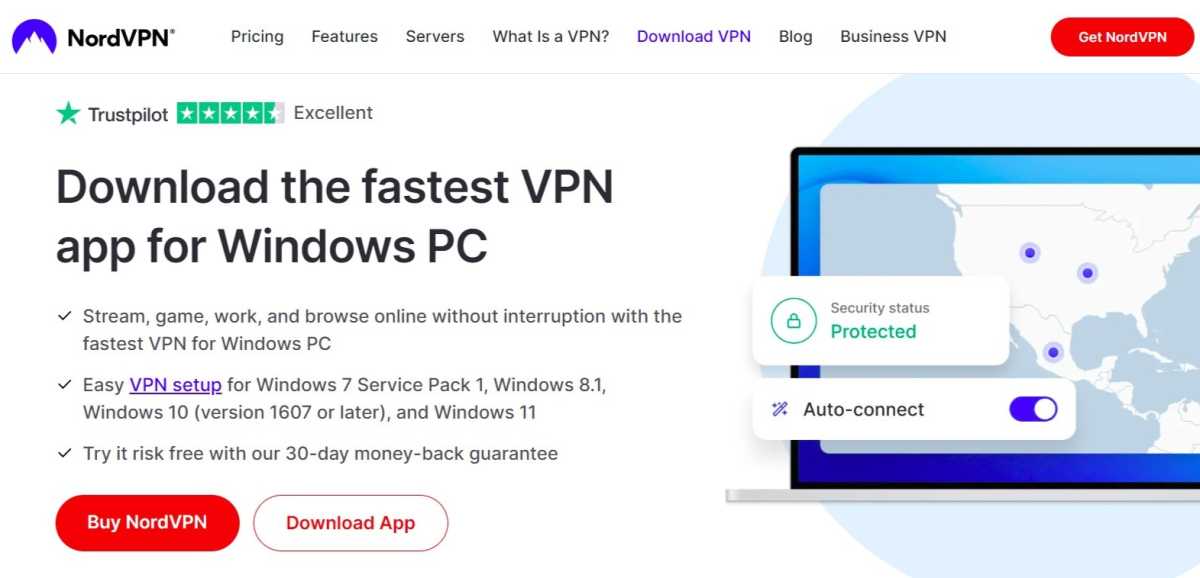
Download the relevant VPN app

Anyron Copeman / Foundry
Head to the download page for the VPN you’d like to install and click ‘Download App’. The likes of NordVPN are available on a range of devices.
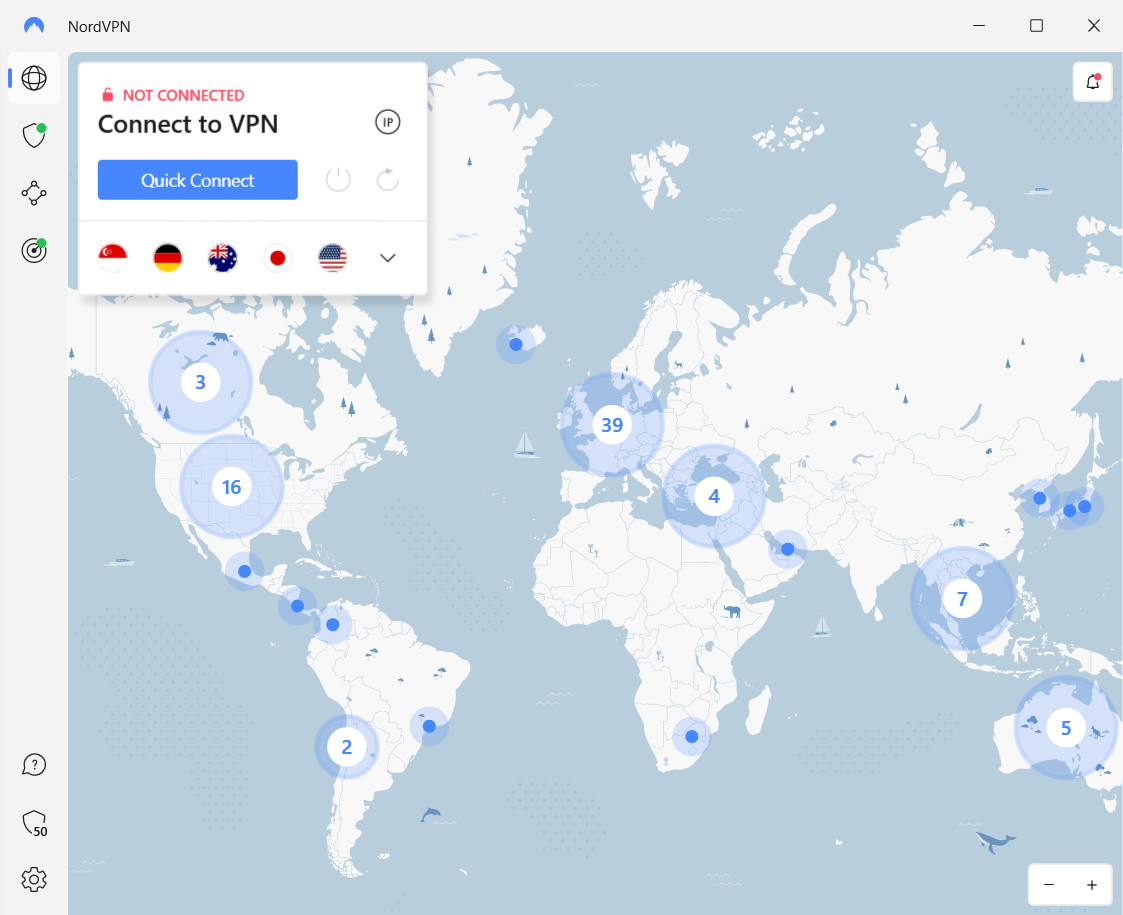
Connect to a UK server

Sam Singleton
Open the app and sign in to your account if necessary. Then, select any US or UK server and connect to it.
Depending on the service you’re using, it might look quite different to the above. But this should be relatively easy to find.
Start watching as usual


Anyron Copeman / Foundry
Head to the website or app you’d usually use to start watching, then sign in if you haven’t already.
You should now be able to stream content as normal and without any restrictions.
If it’s not working and you’re watching from a phone using Wi-Fi, try turning on Airplane Mode and then enabling only Wi-Fi.